The Evolution of Interface: Why Touchscreens Define Modern Industry
From Physical Buttons to Intuitive HMI
In the early days of the Industrial Revolution and even into the late 20th century, factory floors were dominated by massive control consoles filled with physical toggles, rotary switches, and incandescent indicator lights. While reliable for simple tasks, these interfaces were “static.” If a production line needed a new parameter adjusted, it often required physical rewiring or manual label changes.
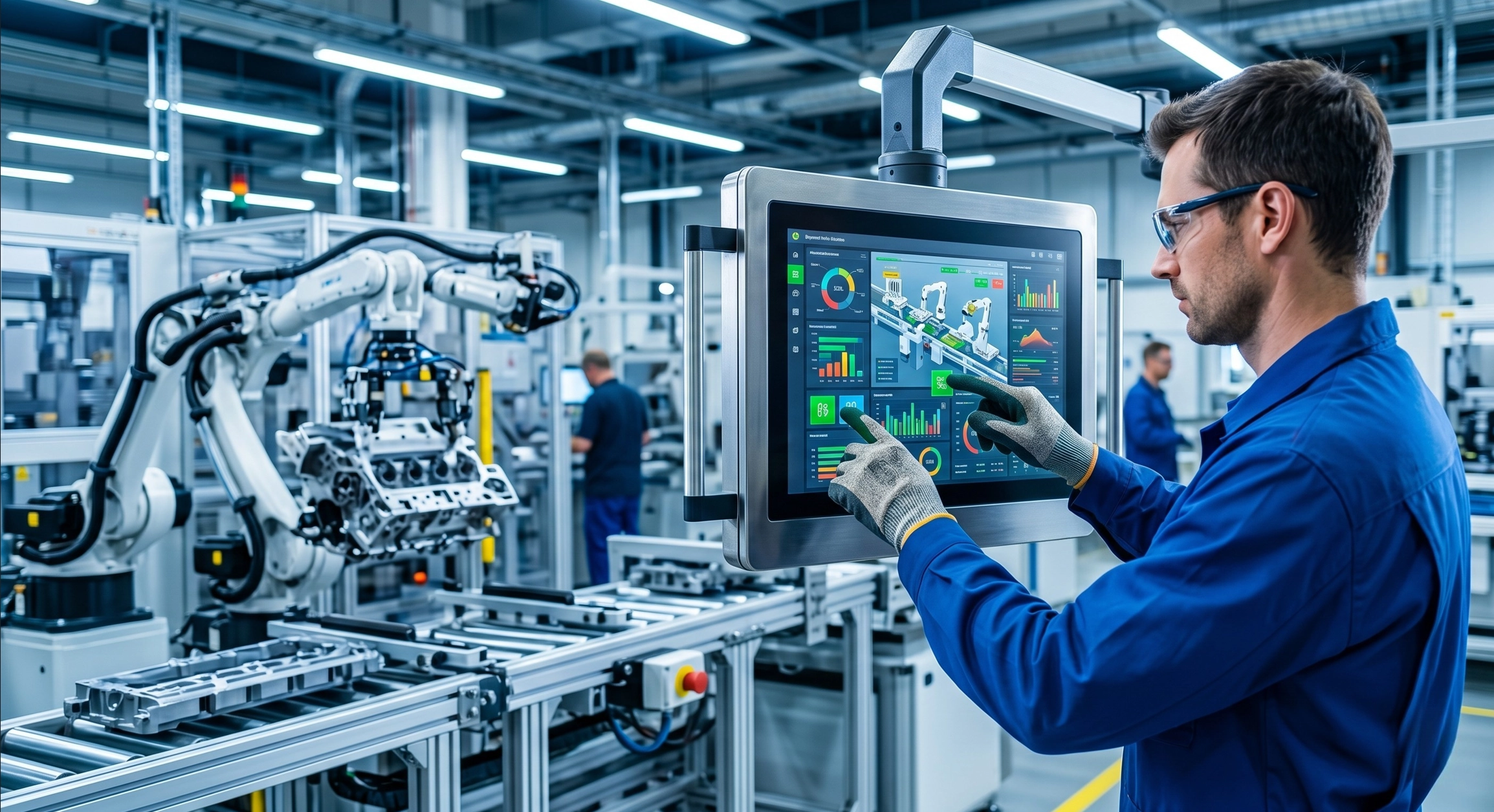
The shift to Human-Machine Interface (HMI) through touchscreens has fundamentally changed this landscape. By replacing hundreds of physical components with a single, dynamic software interface, manufacturers have gained unprecedented flexibility. Today, a single industrial monitor can display complex 3D models of a CNC machine’s progress, real-time heat maps of a furnace, and emergency stop protocols—all switchable with a simple swipe. This transition represents more than just a cosmetic upgrade; it is the liberation of operational logic from physical hardware constraints.
The Role of Touchscreens in Industry 4.0
Industry 4.0 is built on the pillars of connectivity and data transparency. In this environment, the industrial touchscreen acts as the “Command Central” for Internet of Things (IoT) nodes. It is no longer a passive display but an interactive edge device.
Modern touchscreens integrated into PC à panneaux allow operators to pull live data from the cloud, cross-reference it with local sensor feedback, and make micro-adjustments on the fly. This “Data-at-the-Fingerprints” approach ensures that the digital twin of the factory is always in sync with the physical reality, reducing the latency between data collection and executive action.
Core Impacts on Operational Efficiency and Speed
Reducing Operator Learning Curves
One of the most significant hidden costs in manufacturing is “Time to Proficiency.” Traditional industrial interfaces often required weeks of specialized training. However, the modern workforce is comprised of “digital natives” who have spent their lives using smartphones.
By adopting Projected Capacitive (PCAP) touch technology, industrial displays mimic the gestures used in consumer electronics—pinch-to-zoom, swipe-to-scroll, and multi-touch commands. This familiarity slashes training time by up to 40%, allowing new operators to navigate complex system hierarchies intuitively. When the interface “makes sense” visually, the cognitive load on the worker is reduced, leading to higher morale and fewer fatigue-related errors.
Accelerating Real-Time Data Entry and Response
In a fast-paced production environment, seconds matter. Traditional data entry involved writing numbers on a clipboard, walking to a terminal, and manually typing them into an ERP system. This process is ripe for transcription errors.
Industrial touchscreens placed at the point of action enable Real-Time Data Entry. Operators can log quality checks, report downtime causes, or confirm inventory levels directly on the screen.
| Métrique | Traditional Physical Interface | Modern Industrial Touch Interface |
| Setup Flexibility | Fixed; requires hardware changes. | Dynamic; updated via software/GUI. |
| Operator Training | Extensive (specialized knowledge). | Minimal (intuitive/smartphone-like). |
| Response Speed | Manual intervention required. | Instantaneous via touch commands. |
| Visualisation des données | Basic (Analog gauges/LEDs). | Advanced (Real-time charts/3D models). |
| Maintenance | High (Moving parts wear out). | Low (Solid-state, easy to clean). |
Enhancing Reliability in Harsh Industrial Environments
Durability Beyond Consumer Grade
A common misconception is that touchscreens are fragile. While true for consumer tablets, Industrial Grade Touchscreens from Beyond Info System are engineered for “Battlefield Conditions.”
- Impact Resistance: Many industrial displays feature chemically strengthened glass with IK08 or IK10 ratings, capable of withstanding heavy impacts without shattering.
- Thermal Resilience: These units are designed to operate in a “Wide Temperature” range (-20 degrés à +70 degree), ensuring that a steel mill or a cold storage facility doesn’t compromise the screen’s sensitivity.
- Blindage EMI : Factories are noisy—electrically speaking. Advanced controllers filter out Electromagnetic Interference (EMI) from heavy machinery, preventing “ghost touches” that could cause dangerous accidents.
Glove-Friendly and Multi-Touch Capabilities
In many industrial sectors, safety protocols require the use of heavy protective gear. A touchscreen is useless if it cannot detect a gloved hand. Modern industrial PCAP and Resistive technologies are tuned specifically for this:
- Mode gant : Firmware algorithms adjust the sensitivity threshold to detect input through latex, nitrile, or even thick leather work gloves.
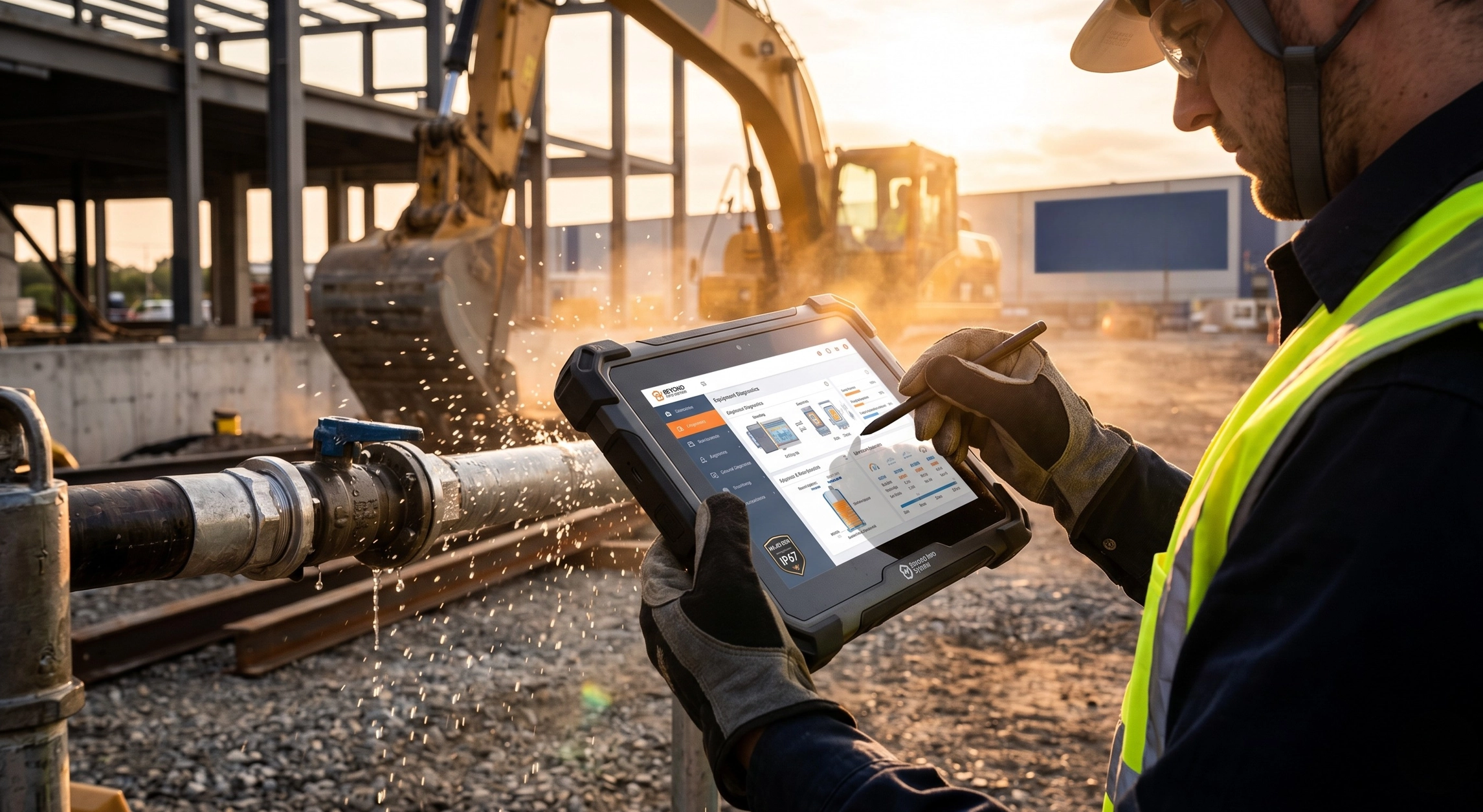
- Water & Contaminant Rejection: On a factory floor, screens get splashed with oil, water, or coolant. BIS solutions utilize advanced frequency hopping to distinguish between a human finger and a stray droplet of liquid, maintaining operational integrity in wet conditions.
Optimizing Workspace and Ergonomics
Space-Saving Integration in Control Rooms
Space on a factory floor is expensive real estate. Every square meter occupied by a bulky control desk is a square meter not occupied by revenue-generating machinery.
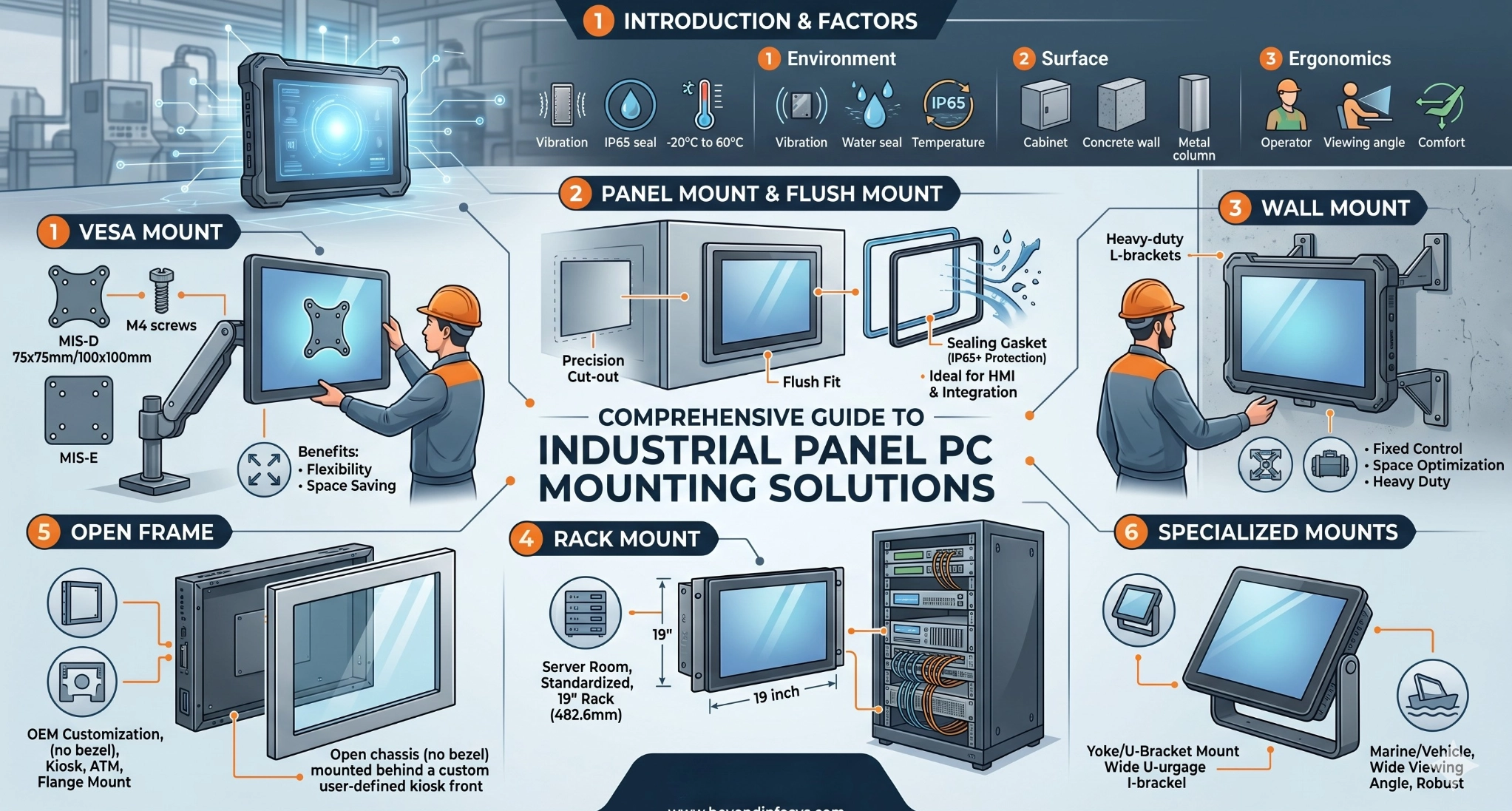
By utilizing VESA-mounted touch monitors ou Panel Mount PCs, manufacturers can integrate control systems directly onto machine swing arms or into shallow wall cavities. This streamlined approach allows for a cleaner, more organized workspace, which has been shown to improve worker focus and reduce the physical strain of moving between different control stations.
Reducing Human Error through Simplified Navigation
Fitts’s Law suggests that the time required to move to a target is a function of the distance to and the size of the target. Industrial UI designers leverage touch technology to create “High-Confidence Targets.”
Critical functions, such as “Emergency Stop” or “Cycle Start,” can be made large and distinct. Furthermore, touchscreens allow for Contextual Menus—only showing the buttons relevant to the current stage of the process. By hiding unnecessary options, the “Paradox of Choice” is eliminated, significantly reducing the likelihood of an operator pressing the wrong button during a high-stress event.
Maximizing ROI through Predictive Maintenance and Reduced Downtime
Remote Monitoring and System Diagnostics
Productivity isn’t just about how fast you run; it’s about how seldom you stop. Touchscreens serve as the window into a machine’s health.
- Visual Alerts: Instead of a generic “Error Code 404,” a modern HMI can show a photo of the exact sensor that needs cleaning.
- Predictive Dashboards: Integrated software can track the number of cycles a tool has performed and display a countdown to the next required maintenance on the touchscreen, allowing managers to schedule service during planned downtime rather than reacting to a catastrophic failure.
Longevity and Total Cost of Ownership (TCO)
When calculating ROI, the Coût total de possession (TCO) is more important than the initial purchase price. Consumer-grade tablets might be cheaper upfront, but their failure rate in industrial settings is nearly 30% per year.
Industrial touchscreens from BIS offer:
- Disponibilité à long terme : We guarantee component availability for 5-10 years, ensuring that if you expand your line in three years, you can get the exact same model.
- Environmental Sealing: With IP65 or IP69K ratings, these screens can be hosed down during sanitation (essential in food and beverage), preventing internal corrosion and extending the product’s lifespan to a decade or more.
Foire aux questions (FAQ)
Q: What is the primary difference between Resistive and Capacitive touchscreens for factories?
A : Resistive screens respond to pressure, making them excellent for use with any type of glove or stylus, but they are less clear. Projected Capacitive (PCAP) screens offer multi-touch and superior clarity (like a smartphone) and are now highly optimized for industrial glove use and moisture rejection.
Q: Can touchscreens be used in outdoor or high-sunlight industrial areas?
A : Yes. We offer High-Brightness (Sunlight Readable) displays with upwards of 1000 nits and optical bonding technology to reduce glare and prevent internal condensation, ensuring productivity doesn’t drop due to poor visibility.
Q: How do I clean an industrial touchscreen without damaging the sensor?
A : Most industrial screens feature a glass overlay that is resistant to common chemicals like alcohol and bleach. Because they are often rated IP65, they are sealed against liquid ingress, making them much safer to sanitize than mechanical keyboards.
Empowering Your Productivity with Beyond Info System (BIS)
A propos de Beyond Info System (BIS)
Au-delà du système d'information (BIS) is a global leader in providing ruggedized display and computing solutions. We understand that in the industrial world, “Downtime” is a four-letter word. Our mission is to provide the hardware backbone that allows your software and your people to perform at their absolute peak. With a focus on engineering excellence and long-term partnership, BIS products are trusted in sectors ranging from automotive manufacturing to pharmaceutical processing.
Découvrez nos solutions spécialisées
- Moniteurs tactiles industriels: Available in sizes from 7″ to 55″, featuring rugged housings and versatile mounting options.
- All-in-One Panel PCs: Combining high-performance CPUs with industrial touch displays for a seamless, space-saving solution.
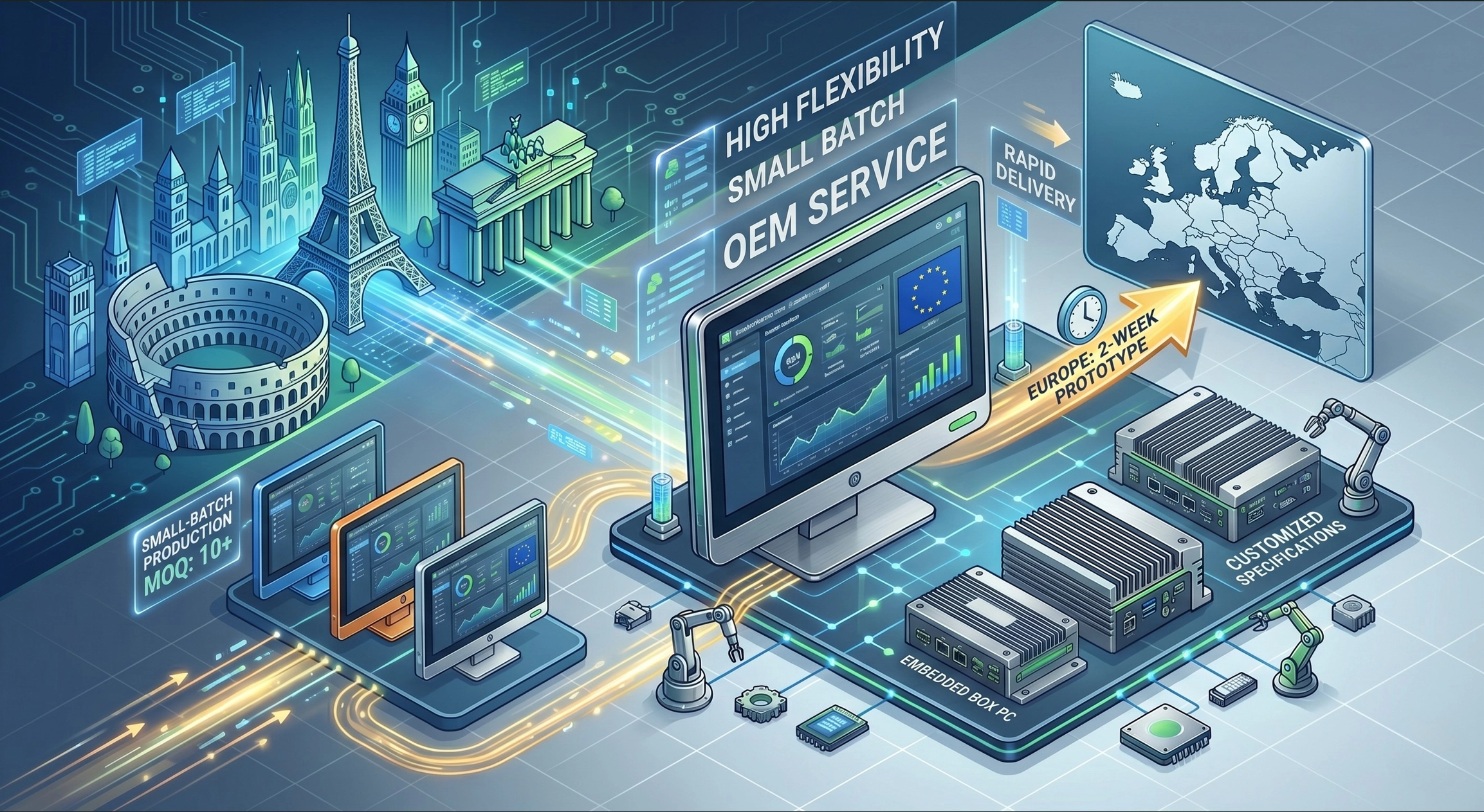
- Customized Display Solutions: Need a specific bezel color, a unique mounting bracket, or a private-label design? Our engineering team specializes in tailoring products to your exact mechanical requirements.
[Contact a BIS Specialist Today for a Technical Consultation]