How an Industrial Panel PC Can Support Legacy Machine Modernization
Many factories still rely on legacy machines that have operated reliably for years. Their PLCs run established control programs, operators understand the equipment, and the machines may continue to meet production requirements.
The challenge is often not the PLC itself.
The existing HMI or operator display may be outdated, replacement parts may be difficult to source, and the interface may no longer provide the visibility operators need. As a result, manufacturers, OEMs, and system integrators may face an important question:
Can you modernize a legacy machine without replacing the PLC?
In some applications, the answer may be yes.
If the existing PLC remains suitable for its control responsibilities, an Industrial Panel PC can be considered as part of an HMI or operator-interface modernization project. The PLC may continue executing established machine control logic while the Panel PC provides a modern computing and display platform for approved operator applications.
However, successful integration depends on PLC communication, accessible data, HMI software, control requirements, installation conditions, and the overall system architecture.
Rather than assuming that either the PLC or HMI must be replaced, the modernization project should begin with an engineering assessment.
Legacy Machine Modernization Starts with Scope, Not Hardware
A legacy machine may need a more readable operator interface, clearer machine status information, improved alarm visibility, or a replacement for an obsolete display.
None of these requirements automatically means that the PLC must be replaced.
At the same time, installing a new Industrial Panel PC does not automatically make it compatible with an existing PLC.
Before selecting hardware, the engineering team should document:
- PLC manufacturer and model
- Available communication ports and protocols
- Required PLC tags, registers, or variables
- Existing HMI model and software
- Availability of HMI project files and backups
- Required operator functions
- Panel dimensions and mounting requirements
- Environmental and electrical conditions
- Network and cybersecurity requirements
The team should also establish which functions remain with the PLC and which functions are expected from the new operator interface.
This distinction is important because replacing an operator terminal, installing a Panel PC, modifying PLC control logic, and redesigning machine safety functions are different engineering activities.
They may form part of the same modernization project, but each requires an appropriate scope, technical review, and validation process.
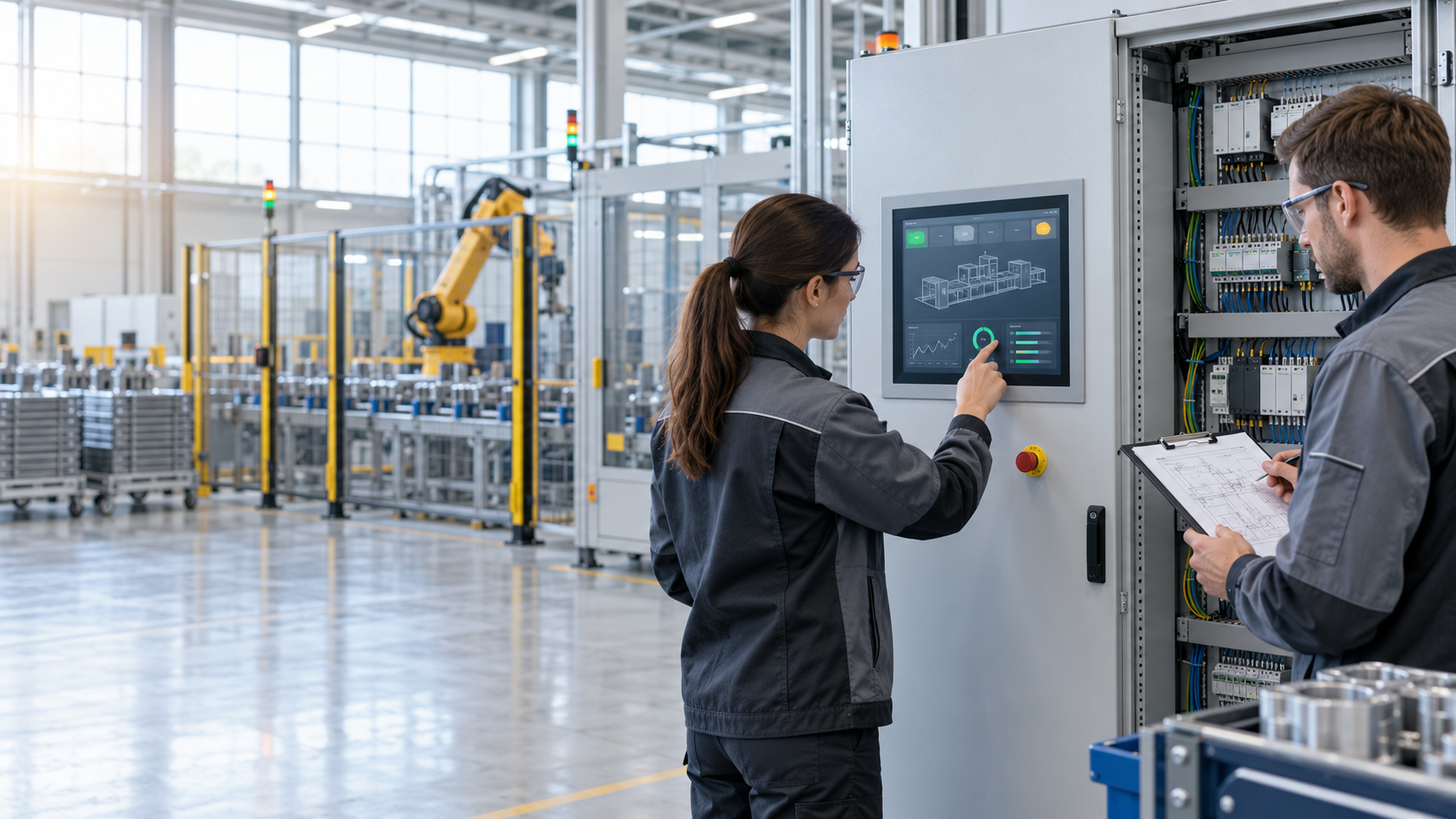
Where an Industrial Panel PC Fits into a PLC-Based Machine
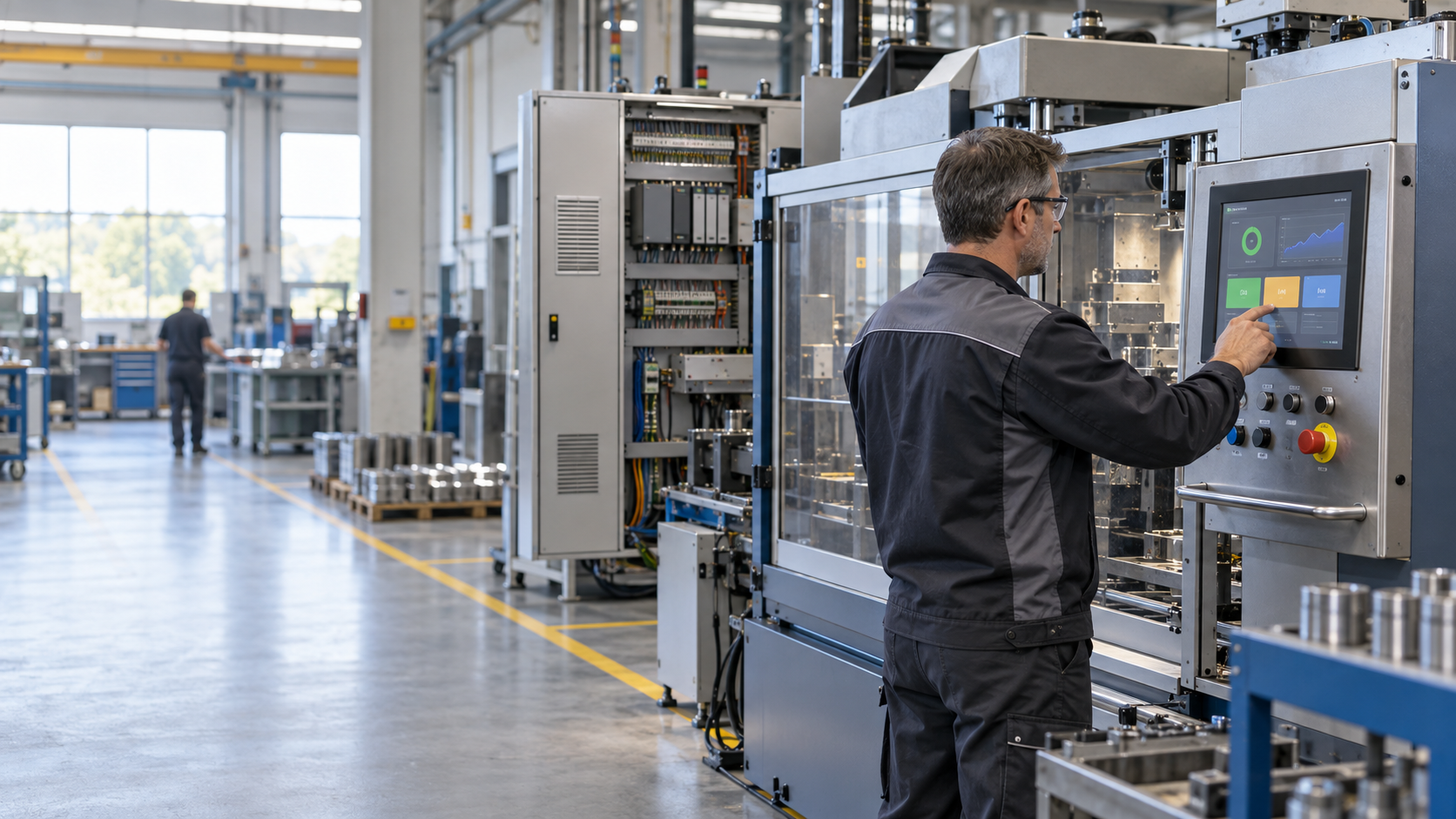
An Industrial Panel PC combines a display and computing platform in a machine-side form factor.
Depending on the application software and verified system interfaces, it may provide a platform for displaying PLC-supplied information or running approved operator applications.
A possible architecture is:
Existing PLC → Communication Interface → Industrial Panel PC → Operator Application
In this arrangement, the existing PLC continues to perform its established machine-control functions, while the Industrial Panel PC supports the operator-facing information and application layer.
This does not mean that a Panel PC replaces the PLC.
It also does not mean that a Panel PC can automatically discover PLC data, communicate through every proprietary protocol, or recreate an existing HMI application. These capabilities depend on the PLC, communication architecture, software, drivers, licensing, project files, and engineering implementation.
A modernization project should therefore answer three questions before hardware selection:
What does the operator need to see or do?
Which system provides the required information or control authority?
What hardware, software, communication, and installation changes are required to implement it?
4 Key Areas to Assess Before Integrating an Industrial Panel PC with an Existing PLC
1. PLC Communication and Data Access
Start by identifying the PLC manufacturer, model, available communication ports, supported communication methods, and available engineering documentation.
The engineering team should confirm whether the required PLC tags, registers, or variables are accessible and whether the intended access is permitted within the existing system architecture.
This is particularly important for older PLCs.
A legacy machine may use proprietary communication interfaces, older serial connections, or software that requires specific drivers, licenses, communication modules, or gateways.
The presence of an Ethernet or serial port alone does not confirm that an Industrial Panel PC can access the required machine data.
Communication feasibility should therefore be verified before committing to a specific Panel PC configuration or system architecture.
2. HMI Functions and Control Authority
Next, define what operators actually need from the new interface.
Typical requirements may include:
- Viewing machine operating status
- Monitoring process information
- Reviewing alarms and events
- Acknowledging alarms
- Entering operating parameters
- Accessing maintenance information
For every function, identify the data source, user permissions, expected behavior, and validation requirements.
A display-only interface can have a very different engineering scope from an HMI that writes parameters or commands back to the PLC.
If the new Panel PC application must modify PLC values or issue commands, the engineering team should determine which operations are permitted and whether PLC program changes are required.
Safety-related functions should remain within the machine’s appropriate safety architecture and should not be assumed to transfer to a general-purpose operator interface.
3. Mechanical, Electrical, and Environmental Requirements
Software compatibility is only part of a legacy machine upgrade.
The new Industrial Panel PC must also fit the physical installation and operating environment.
Before selecting a unit, document:
- Existing panel cut-out
- Display size
- Mounting depth
- Available installation space
- Power requirements
- Grounding arrangement
- Cable routing
- Ventilation conditions
- Required I/O
- Operating temperature
- Dust and moisture exposure
- Vibration conditions
- Cleaning practices
- Other site-specific environmental requirements
Legacy machines rarely have identical panel dimensions or installation conditions. Depending on the project, modifications to mounting, enclosure design, cable access, or I/O configuration may be required.
Machine drawings, photographs, wiring information, and an on-site assessment can help establish these requirements before final hardware selection.
4. HMI Software, Maintenance, and Cybersecurity
A successful HMI modernization project should also consider the software lifecycle.
Identify the existing HMI software or runtime environment, required operating system, licensing model, application files, software versions, backup procedures, and maintenance responsibilities.
The project should answer practical service questions such as:
Who owns and maintains the HMI application?
Where are the project files and backups stored?
How will the system be restored if the Panel PC requires service or replacement?
If the machine will connect to a factory network, the project should also involve the customer’s automation and IT teams.
Account permissions, network segmentation, remote access, software updates, and maintenance procedures should follow the site’s applicable cybersecurity policies.
These requirements affect the complete system architecture and should be evaluated before the hardware configuration is finalized.
A 5-Stage Process for Legacy Machine and HMI Modernization
A staged assessment can help OEMs, manufacturers, and system integrators identify technical dependencies before modifying a production machine.
Stage 1: Document the Existing PLC and HMI System
Gather the PLC and HMI models, electrical drawings, wiring information, communication interfaces, software versions, project backups, and operator procedures.
Document both what currently works and what has become difficult to operate or maintain.
Stage 2: Define the Required Operator Functions
List the information operators need to see and the actions they need to perform.
Also define user permissions and expected behavior during communication loss, power interruption, or system restart.
This converts a broad request such as “modernize the machine” into a specific and reviewable project scope.
Stage 3: Verify PLC Communication and Integration Feasibility
Confirm which PLC data can be accessed, which communication methods and software are required, and whether changes to the PLC program are necessary.
Any unresolved compatibility issues should be identified before the project proceeds to final hardware selection.
Stage 4: Configure and Verify the Industrial Panel PC
Review the required:
- Display dimensions
- Panel mounting
- Power input
- I/O configuration
- Computing platform
- Memory and storage
- Operating system
- Application compatibility
- Network requirements
The project team should also establish how communications, alarms, permissions, application behavior, and system recovery will be verified.
Stage 5: Plan Installation, Commissioning, and Support
Before installation, agree on the production window, acceptance criteria, backups, documentation, test procedures, and fallback plan with the responsible production and equipment teams.
Commissioning should reflect the machine’s operational and safety requirements.
This process does not guarantee that every legacy PLC can or should be retained. Instead, it provides a structured way to determine whether retaining the existing PLC is technically practical and what additional engineering work is required.
Industrial Panel PC Configuration for Legacy Machines
Legacy machines often differ in panel cut-outs, installation depth, communication interfaces, I/O requirements, computing needs, and environmental conditions.
For this reason, an Industrial Panel PC project may need to evaluate different configuration options, including:
- Display size
- Mounting method
- I/O configuration
- Computing platform
- Memory
- Storage
- Software compatibility
- Mechanical modifications
These should be treated as project-specific evaluation items rather than assumed product capabilities.
Actual configuration options depend on the selected product platform and application requirements.
Providing machine drawings, panel dimensions, photographs, PLC information, and the required operator workflow early in the project gives the equipment builder or system integrator a stronger basis for evaluating feasibility.
Modernize the Operator Interface While Keeping a Suitable PLC
Replacing an aging operator interface does not necessarily require replacing an otherwise suitable PLC.
Where engineering review supports the architecture, an Industrial Panel PC can help modernize the operator and information layer while the existing PLC continues performing its established control role.
In other cases, the assessment may reveal that the PLC, HMI software, communication architecture, or other parts of the control system also require modification.
The objective should therefore not be to retain the existing PLC at any cost.
Instead, each component should be replaced or retained for a clear technical, operational, and maintenance reason.
Plan for Long-Term Machine Maintainability
The display is only one part of a sustainable modernization strategy.
OEMs and plant engineering teams should also document:
- PLC interfaces
- PLC data mappings
- HMI project files
- Software versions
- User permissions
- System backups
- Spare-part requirements
- Commissioning results
- Maintenance responsibilities
Early coordination between controls engineering, mechanical engineering, IT, procurement, and production teams can help identify integration requirements before installation.
It also helps distinguish a hardware replacement from a broader control-system modernization project.
The required scope, cost, downtime, and engineering effort will vary by machine and should be determined from project-specific information.
Start with the Legacy Machine You Already Have
Modernizing a legacy machine does not always require an immediate full-system replacement.
If the existing PLC remains suitable for its control responsibilities, an Industrial Panel PC may be considered as part of an operator-interface or HMI modernization project.
Whether this architecture is practical depends on PLC communications, accessible data, software compatibility, installation conditions, operator requirements, and the overall system design.
For an initial assessment, prepare:
- PLC manufacturer and model
- Existing HMI model
- Available communication interfaces
- HMI or PLC engineering documentation
- Panel cut-out and installation dimensions
- Required operator functions
- Environmental conditions
- Network and maintenance requirements
BIS can discuss Industrial Panel PC configuration and project integration requirements based on this information and help identify the items that need to be confirmed during the engineering review.
Frequently Asked Questions
Can I upgrade an HMI without replacing the PLC?
Potentially. If the existing PLC remains suitable for its control responsibilities, the project can evaluate whether a new operator interface can communicate with it. Compatibility depends on the PLC model, communication interfaces, accessible data, HMI software, and required operator functions.
Can an Industrial Panel PC connect to an existing PLC?
It may be possible, but the available physical port alone does not establish compatibility. The engineering team should verify the PLC communication method, accessible tags or registers, required software or drivers, and whether additional communication hardware is necessary.
Does an Industrial Panel PC replace a PLC?
Not necessarily. In the architecture discussed here, the PLC continues executing established machine-control logic while the Industrial Panel PC provides an operator-facing computing and display platform. The exact division of functions depends on the system design.
What information is needed before upgrading a legacy HMI?
Useful information includes the PLC and existing HMI models, communication interfaces, available engineering files, panel dimensions, wiring or system drawings, required operator functions, and environmental conditions. Network and maintenance requirements should also be provided where applicable.
What Industrial Panel PC configuration options can be evaluated?
Depending on the product platform and project specification, the project can review display size, mounting, I/O, computing configuration, memory, storage, software compatibility, and mechanical requirements. Actual feasibility must be confirmed for the selected platform and application.
Discuss Your Legacy Machine Modernization Project with BIS
Planning an HMI upgrade or legacy machine modernization project while retaining an existing PLC?
Share your PLC model, current HMI information, communication interface, installation dimensions, and target operator functions with BIS.
Our team can discuss Industrial Panel PC configuration and project integration requirements with you, helping establish the technical scope and identify the compatibility, installation, software, and maintenance items that should be evaluated before implementation.